
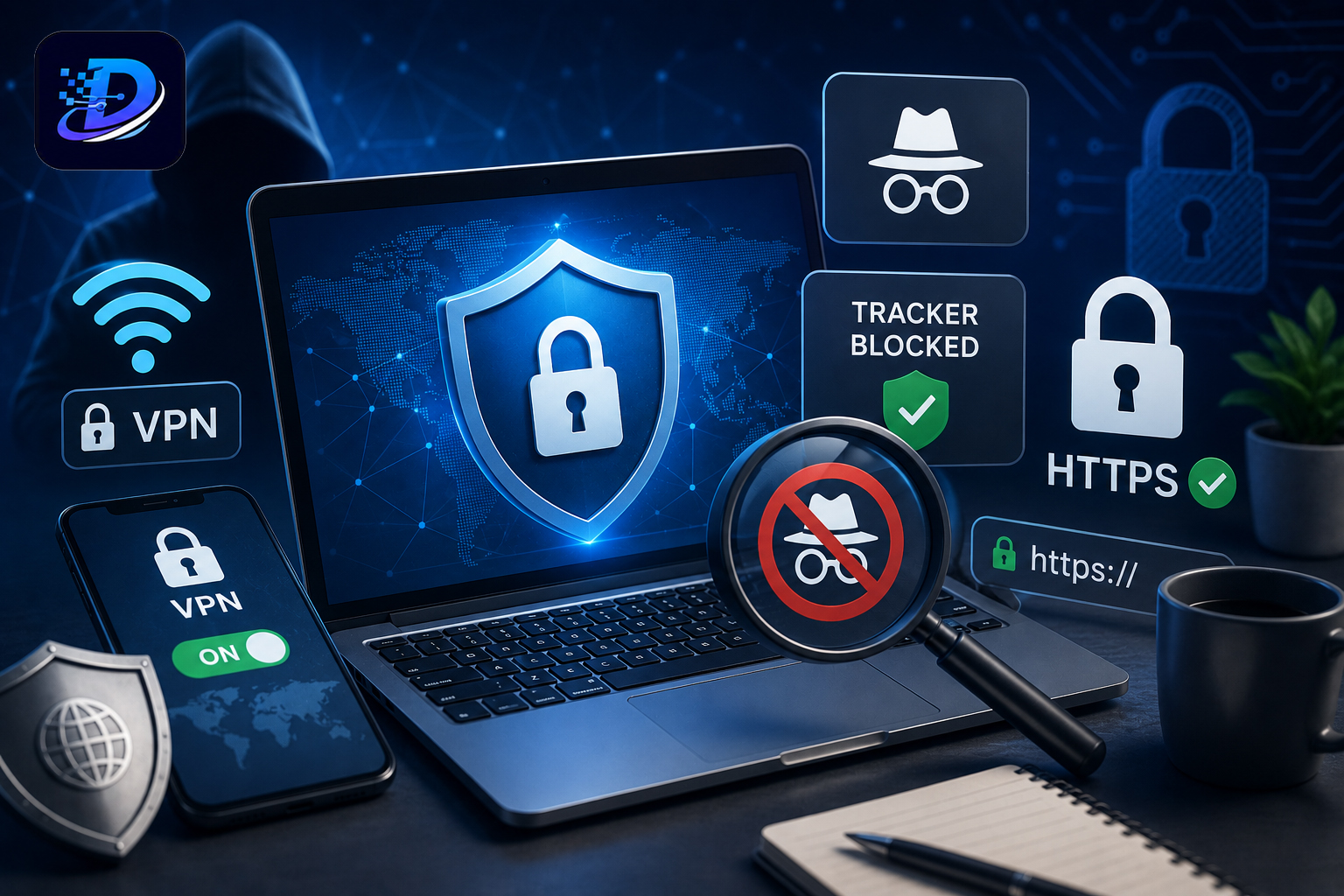
Every click, search, and website visit leaves behind a digital footprint. While complete online anonymity is nearly impossible, protecting your privacy has never been more important. Advertisers, data brokers, websites, and even cybercriminals constantly collect information about your browsing habits, often without you realizing it.
The good news is that you don’t need to be a cybersecurity expert to improve your online privacy. By combining a few practical tools and smarter browsing habits, you can significantly reduce the amount of personal data exposed while using the internet.
This guide explains the most effective ways to browse more privately in 2026.
Quick Summary
If you’re short on time, start with these essentials:
- Use a trusted VPN on public Wi-Fi.
- Understand the limits of Incognito Mode.
- Block trackers with a privacy-focused browser or extension.
- Enable HTTPS whenever possible.
- Review website permissions regularly.
- Use a password manager and enable Multi-Factor Authentication (MFA).
- Keep your browser and operating system updated.
Why Online Privacy Matters
Many people assume they have nothing to hide, but online privacy isn’t about hiding wrongdoing. It’s about maintaining control over your personal information.
Poor online privacy can lead to:
- Identity theft
- Targeted phishing attacks
- Financial fraud
- Location tracking
- Excessive advertising
- Data profiling by advertisers
- Personal information leaks
Protecting your privacy also reduces the amount of information companies can collect to build detailed profiles about your online behavior.
1. Use a Trusted VPN on Public Networks
A Virtual Private Network (VPN) encrypts your internet connection, making it much harder for others to intercept your online activity.
A VPN is especially useful when using:
- Public Wi-Fi at airports
- Hotels
- Cafes
- Libraries
- Shopping malls
However, a VPN does not make you completely anonymous. It cannot prevent websites where you log in from identifying you, and it does not stop malware or phishing attacks.
Choose a VPN Carefully
Not every VPN protects your privacy equally.
Look for providers that offer:
- Independent security audits
- No-logs policy
- Strong encryption
- Kill switch feature
- DNS leak protection
Avoid free VPNs that generate revenue by collecting or selling user data.
2. Know What Incognito Mode Actually Does
One of the biggest myths about online privacy is that Incognito Mode hides everything.
In reality, Incognito Mode only prevents your browser from saving:
- Browsing history
- Cookies after the session ends
- Form data
- Temporary local data
It does not hide your activity from:
- Your Internet Service Provider (ISP)
- Your employer or school network
- Websites you visit
- Search engines
- Government authorities
Think of Incognito Mode as a way to keep your browsing private from other people using the same device, not from the internet itself.
3. Block Online Trackers
Many websites include dozens of hidden trackers that monitor your browsing behavior.
These trackers collect information such as:
- Pages you visit
- Time spent on websites
- Shopping interests
- Device information
- Approximate location
To reduce tracking:
- Use privacy-focused browsers like Firefox or Brave
- Enable built-in tracking protection
- Install reputable tracker-blocking extensions
- Block third-party cookies where appropriate
Fewer trackers generally mean better privacy and often faster page loading.
4. Always Prefer HTTPS Websites
Before entering passwords or payment information, check whether the website uses HTTPS.
HTTPS encrypts communication between your browser and the website, making it much more difficult for attackers to intercept sensitive information.
Most modern browsers warn users when a website isn’t secure.
5. Review Website Permissions
Many websites request permissions that aren’t necessary.
Examples include:
- Camera
- Microphone
- Location
- Notifications
- Clipboard access
Review these permissions regularly in your browser settings and revoke anything you no longer need.
6. Use Strong Passwords and a Password Manager
Weak or reused passwords remain one of the leading causes of account compromise.
Instead of creating simple passwords yourself:
- Use a password manager
- Generate unique passwords for every account
- Store them securely
This reduces the risk of one compromised password affecting multiple accounts.
7. Enable Multi-Factor Authentication (MFA)
Even if someone steals your password, Multi-Factor Authentication provides an additional layer of protection.
Whenever possible, enable MFA for:
- Banking
- Cloud storage
- Social media
- Password managers
Authenticator apps generally provide stronger security than SMS verification.
8. Keep Your Browser and Operating System Updated
Software updates frequently patch newly discovered security vulnerabilities.
Ignoring updates can leave your device exposed to attacks that already have known fixes.
Enable automatic updates whenever possible.
9. Be Careful What You Share
Privacy isn’t only about technology.
Think carefully before sharing:
- Home address
- Phone number
- Travel plans
- Identity documents
- Birth date
- Financial information
The less personal information available publicly, the lower your exposure to identity theft and social engineering attacks.
10. Watch Out for Phishing Websites
Some fake websites look almost identical to legitimate ones.
Before entering sensitive information:
- Double-check the domain name
- Look for spelling mistakes
- Avoid clicking suspicious email links
- Verify payment pages carefully
When in doubt, type the website address manually instead of following links.
Common Privacy Myths
Myth: A VPN makes you completely anonymous.
Reality: A VPN encrypts your internet traffic and hides your IP address from many services, but websites where you sign in can still identify you, and your VPN provider may still handle your traffic.
Myth: Incognito Mode hides everything.
Reality: It only prevents your browser from storing local browsing data. Your ISP, employer, school, and visited websites can still see your activity.
Myth: Antivirus software protects your privacy.
Reality: Antivirus software mainly detects malicious software. Privacy protection requires additional measures such as tracker blocking, secure browsing, and strong account security.
Common Mistakes to Avoid
- Using the same password everywhere
- Connecting to public Wi-Fi without protection
- Installing random browser extensions
- Granting unnecessary permissions
- Ignoring browser updates
- Clicking unknown email links
- Saving passwords in plain text
DaraiSolty Expert Tip
Privacy works best in layers. No single tool can protect you completely. Combining a VPN, tracker blocking, strong passwords, MFA, and safe browsing habits provides far stronger protection than relying on any one solution alone.
Final Thoughts
Protecting your privacy online doesn’t require expensive software or advanced technical knowledge. Small changes, such as using a trusted VPN on public networks, understanding the limits of Incognito Mode, blocking trackers, and strengthening account security, can make a significant difference.
As online tracking becomes increasingly sophisticated, maintaining good privacy habits is no longer optional. By taking a layered approach and staying informed, you can browse with greater confidence while keeping more control over your personal information.
Frequently Asked Questions (FAQ)
Is Incognito Mode enough for privacy?
No. Incognito Mode only prevents your browser from storing local browsing history and cookies. It does not hide your activity from websites, your ISP, or your employer.
Should I always use a VPN?
A VPN is highly recommended when using public Wi-Fi or if you want to reduce exposure of your IP address. However, it should be combined with other privacy practices.
Are free VPNs safe?
Some are, but many free VPN services collect user data or display advertisements. Research the provider’s privacy policy and reputation before using one.
Which browser offers the best privacy?
Browsers such as Firefox and Brave provide strong built-in privacy protections, while most major browsers also offer configurable privacy settings.
Do tracker blockers slow down websites?
No. In many cases, blocking trackers actually improves page loading speed because fewer third-party scripts need to be downloaded.