
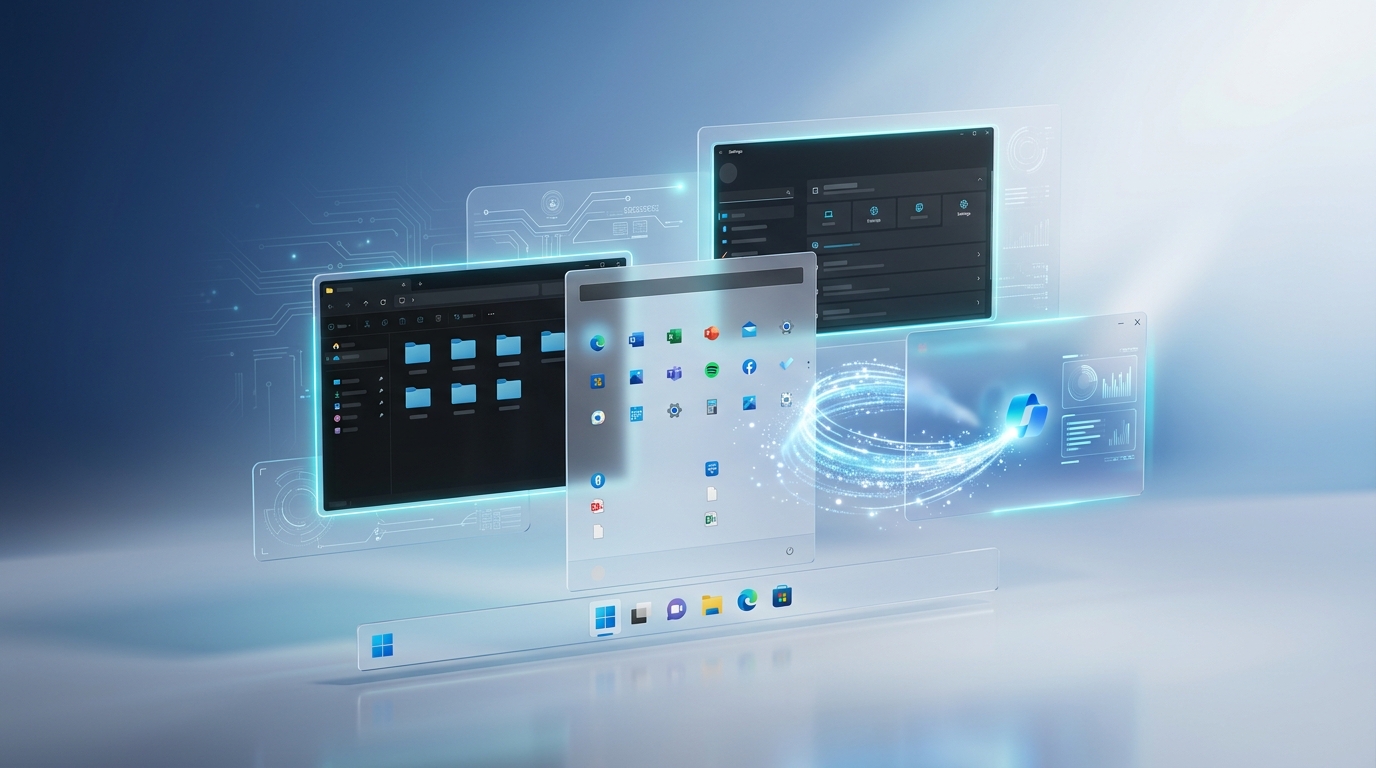
Microsoft has officially begun rolling out Windows 11 version 26H2 to Windows Insiders, marking the company’s next annual feature update for Windows 11. Unlike the major architectural changes introduced with 24H2, version 26H2 focuses on refining the user experience with smarter AI integration, better customization, stronger security, and a smoother update process. The update continues Microsoft’s new strategy of delivering major improvements gradually while keeping annual upgrades smaller and more reliable through an Enablement Package (eKB).
What’s New?
Windows 11 26H2 isn’t a dramatic visual redesign. Instead, Microsoft has concentrated on making Windows feel faster, more customizable, and easier to use.
Some of the biggest highlights include:
- Improved Windows Search with more user control
- Expanded Taskbar customization
- Redesigned Start Menu experience
- AI-powered “Ask Copilot” search
- Better Windows Update management
- Stronger Administrator Protection
- Improved File Explorer reliability
- Modernized system dialogs
- Numerous performance and stability improvements
Rather than introducing hundreds of flashy features at once, Microsoft is gradually enabling improvements throughout the year, making Windows updates less disruptive while continuously improving the operating system.
Key Features
1. Smarter AI-Powered Windows Search
One of the biggest improvements in Windows 11 26H2 is the evolution of Windows Search.
Microsoft is integrating Ask Copilot, allowing users to search using natural language instead of exact keywords. Rather than simply locating files, Windows can better understand what users are trying to accomplish, making searches more conversational and productive.
2. More Customizable Taskbar
After years of user requests, Microsoft is expanding Taskbar customization.
New options being tested include:
- Moving the Taskbar to different screen edges
- Better support for smaller Taskbar layouts
- Improved system tray behavior
- Greater flexibility for personal workflows
These changes give users more control over how Windows looks and feels.
3. Redesigned Start Menu
The Start Menu receives several usability improvements, including:
- Better organization of installed apps
- Improved layout flexibility
- Faster updating when apps are installed or removed
- Cleaner overall appearance
These refinements make everyday navigation smoother without forcing users to relearn the interface.
4. Better Windows Search Privacy
A long-requested feature is finally arriving.
Users can now disable Bing-powered web results directly from Windows Search, allowing search results to focus on local files and installed apps. This reduces clutter and gives users more control over their search experience.
5. Improved Windows Update Experience
Microsoft continues its effort to make Windows updates less disruptive.
Windows 11 26H2 introduces improvements such as:
- Faster installation through an Enablement Package
- Fewer required restarts
- Better update scheduling
- Simplified deployment for organizations
For most users upgrading from Windows 11 25H2, the update should require only a single restart.
6. Stronger Security with Administrator Protection
Security remains a major focus.
Windows 11 26H2 introduces enhanced Administrator Protection, designed to reduce unnecessary administrative privileges and minimize security risks if malware attempts to gain elevated access.
This represents another step toward Microsoft’s “secure by default” approach.
7. File Explorer Improvements
Although File Explorer looks familiar, Microsoft has improved several behind-the-scenes components.
Notable improvements include:
- Better Dark Mode consistency
- More reliable Copy dialog
- Smoother progress indicators
- General stability improvements
These refinements contribute to a more polished everyday experience.
8. Modernized System Interface
Windows continues replacing older legacy components with modern interfaces.
Version 26H2 includes updates to system dialogs such as the classic Run window, helping create a more consistent Windows design language across the operating system.
Performance Improvements
Windows 11 26H2 emphasizes refinement rather than radical change.
Microsoft has improved:
- System responsiveness
- Search reliability
- Settings stability
- Startup reliability
- Taskbar performance
- Overall update efficiency
For many users, these improvements may be more valuable than entirely new features because they directly affect everyday usability.
Security Enhancements
Security improvements include:
- Better Administrator Protection
- Improved update delivery
- Continued security hardening
- Ongoing vulnerability fixes through cumulative updates
Microsoft has also highlighted the importance of timely updates as AI accelerates both vulnerability discovery and cyberattacks, making regular patching more important than ever.
Why It Matters
Windows 11 26H2 represents Microsoft’s changing philosophy toward Windows development.
Instead of delivering massive feature updates once a year, Microsoft is gradually introducing new capabilities through monthly updates while using annual releases mainly to enable those improvements for everyone.
This strategy offers several benefits:
- Smaller downloads
- Faster installation
- Reduced upgrade failures
- Improved system stability
- Less disruption for users and businesses
For everyday users, that means spending less time waiting for updates and more time using their PCs.
Availability
Windows 11 version 26H2 is currently available through the Windows Insider Program and is expected to roll out publicly in the second half of 2026. Devices already running recent Windows 11 releases will receive the upgrade through a lightweight Enablement Package, making the transition quick and requiring only a restart in most cases.
Expert Opinion
Windows 11 26H2 may not introduce a dramatic redesign, but that’s precisely what makes it an important release.
Rather than chasing headline-grabbing features, Microsoft is prioritizing reliability, usability, and incremental innovation. Features like improved Windows Search, better Taskbar customization, stronger security controls, and smoother updates demonstrate a mature approach to operating system development.
For users already running Windows 11, 26H2 should feel like a polished refinement rather than an entirely new operating system. If Microsoft continues delivering meaningful improvements through this gradual update model, Windows users could benefit from fewer disruptive upgrades while still receiving a steady stream of new capabilities.
Final Thoughts
Windows 11 26H2 isn’t about reinventing Windows. Instead, it’s about improving the experience people already use every day.
From smarter AI-assisted search and enhanced privacy controls to better Taskbar customization and a streamlined update process, the 2026 update focuses on practical improvements that make Windows easier, safer, and more efficient.
While some users may have hoped for more dramatic changes, Microsoft’s emphasis on stability and continuous improvement may ultimately prove to be the smarter long-term strategy.